

You are probably one of three users who would have searched for “HAP 6.2 free download”: you have a project without a license to size, you are studying load calculation, and you can’t afford the license for a particular project that calls for version 6.2.
Monthly Engineering Briefing
Get notified when new BuildMEP guides and tools publish. One concise email a month.
The honest answer differs for each. Here it is up front, then the details.
The short version
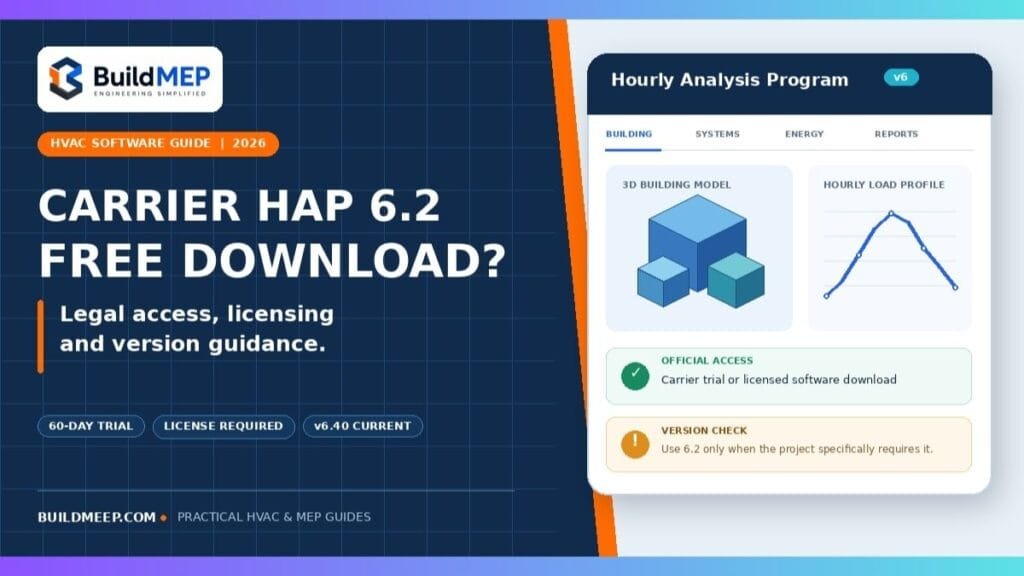
Carrier’s Hourly Analysis Program is not legally free, and there is no legally free version of 6.2. Carrier licenses HAP on an annual basis: a 1st-year fee, then renewal fees.
The official access and training routes are:
- A 60-day trial of the eDesign Suite, requested directly from Carrier. Full program, time limited.
- Training: Carrier provides HAP v6 videos for licensees and offers scheduled courses. Check the access conditions and course fees; training is not a permanent free software licence.
One thing to note before diving deeper into the topic is that this version 6.2 is currently three releases behind. The carrier shipped v6.3, then v6.3.1 in January 2026, then v6.4 in April 2026. If nothing is forced.
Getting HAP legally
Ask for the 60-day trial. This is dealt with by the Carrier’s eDesign Trial page. You request one and installation instructions and a licence key are sent by email. It’s not just the eDesign Suite, but the entire suite of HAP — and it’s not a feature-stunted trial, it’s the full program, so it’s actually useful in one’s first project, or to learn the workflow right.
If you’re already licensed, use Carrier’s official software downloads. Carrier’s April 2026 v6.4 release sheet says it uses the same licence key as v6.3, so an existing v6.3 installation does not require the key to be re-entered. That does not waive the terms or renewal requirements of your software licence. Back up project files and review the conversion notes before upgrading.
If you need 6.2 specifically, contact Carrier Software Systems. They’re able to guide customers that are stuck on one version to the right build. This is a genuine situation and they deal with it routinely — don’t assume you have to go around them.
Do you actually need 6.2?
Usually not, and the version-handling rules matter more than people expect.
Data conversion runs one way. Open a 6.0 or 6.1 project in 6.2 and HAP converts it automatically, inserting “(converted)” into the project name so you don’t overwrite the original. Once converted, that project cannot be reopened in the older version. If you might need to inspect the original later, save the converted copy under a separate name before you do anything else.
Newer versions coexist. v6.4 does not overwrite or replace v6.3 — both run on the same machine. That’s the sane setup for anyone maintaining older project files alongside new work.
Results will shift between versions. This is the part that catches people mid-project. The calculation engine changed in 6.2, which alters how loads are computed for zones containing multiple spaces. Converting an in-flight project can change your numbers, sometimes materially. Finish the project on the version you started it on, or budget time to re-run and re-check everything.
So the case for insisting on 6.2 comes down to: a spec or client standard names it, or you’re maintaining a model that was built in it and you don’t want the results to move. Otherwise, take the current release.
What HAP 6.2 actually introduced
Carrier’s HAP v6.2 New Features Guide (April 2024) lists four areas of change.
gbXML import. An “Import gbXML” option was added to the Project menu, letting you bring 3D building geometry straight out of a BIM or CAD tool. HAP builds the model from the file — levels, spaces, walls, floors, ceilings, roofs, with window, door and skylight openings positioned in the envelope.
This is the feature people most often expect to work magically, so a caution from experience: it only works if the source drawing is clean. You need complete geometry, closed volumes with surfaces actually connected, and every surface associated with a space. A messy Revit model produces a messy HAP model, and cleaning that up afterward can take longer than building the space model by hand would have. Check the export before you import it.
LEED v4.0 and Appendix G. HAP 6.2 added the ability to generate a LEED v4.0 Summary Report from a Standard 90.1 Appendix G performance rating analysis. The significant part is automation: HAP now generates the 90°, 180° and 270° baseline rotations itself, so you no longer build input data for each one manually. You define the Proposed alternative fully, duplicate it as your 0° Baseline, modify that to meet Appendix G baseline requirements, and let HAP handle the rest at report time.
The resulting Performance Rating Summary report carries data for all four baseline alternatives plus the proposed case, a tabulation of baseline and proposed envelope areas by exposure, and a LEED v4 credit points table.
For the LEED workflow, Carrier’s guide starts with selecting the LEED rating system in project preferences, then defining the Proposed and Baseline alternatives. Follow the version-specific help and review the resulting reports; selecting a preference alone does not establish project compliance.
EnergyPlus 23.2 engine. The calculation engine moved to EnergyPlus 23.2, and the change to multi-space zone handling is more consequential than a version bump sounds. Previously, calculating a zone containing several spaces meant merging them into one large enclosed volume first, and the more surfaces that produced, the slower it ran. Engineers who sketched detailed floor plans and dropped every space on a level into one zone could wait a very long time.
EnergyPlus 23.2 drops the merge step and calculates spaces individually. Carrier reports calculation time reductions on the order of 10x in extreme cases. It also removes the discrepancy between total zone load and zone conditioning that showed up on the Air System Heat Balance Summary for zones with very large space counts, and it allows daylighting control calculations per space rather than per zone.
Smaller changes worth knowing. Work-in-progress files moved out of the Windows TEMP folder into a subfolder under your user directory — a direct fix for cases where Storage Sense or antivirus was deleting live project data unrecoverably. HAP also gained the ability to run multiple instances at once, so you can input one project while another calculates. Hourly CSV exports went from one decimal place to three, taking electrical power resolution from 100 W down to 1 W.
System requirements: check the version
- HAP v6.4 OS: Windows 11, 64-bit
- Disk: roughly 1 GB free
- RAM: 8 GB minimum, more if you’re modelling large multi-space projects
These are the prerequisites in Carrier’s April 2026 HAP v6.4 release sheet, not a verified requirements list for every older release. It also lists the customer number and licence key received by email. If you need v6.2, ask Carrier for that build’s installation requirements. For silent or remote-drive installations, use Carrier’s eDesign Advanced Installation Guide.
On ASHRAE Standard 140
HAP documents testing per ANSI/ASHRAE Standard 140 – Standard Method of Test for Evaluating Building Energy Analysis Programs.
It’s worth elaborating on what this means, as it is misinterpreted in submittals: Standard 140 is a method of test, not a certification. No “pass” or “fail” marking. The tests are conducted by the vendors, and their results are published. Carrier does so, as do the other significant tools. Use it as a comparative behavior marker, not an accreditation badge, and, if a reviewer requests that you show you are compliant, refer them to the published results, not tell them that the software is “certified.”
Why pirated copies fail in practice
Aside from the legal issues, why pirated copies don’t work in practice…
- No weather data updates. Design conditions get revised. Sizing against stale data is a defensible error until someone checks the source.
- No support path. If the plant calculation fails or the report generates an error in the middle of submission, who do you have to call?
- No audit trail. In projects that must include energy modeling documentation, a reviewer has the right to ask for details of the version and the build that generated the results. The answer of “unknown” does not pass the muster of review.
- Liability exposure. If your load calculations are on a stamped drawing, it’s not something you want to have reviewed on the provenance of the tool used to make the drawing.
The trial period is valid for 60 days, and that’s a reasonable amount of time to try out a project. The licence fee is negligible when it comes to an ongoing project, compared to the cost of a resized chiller.
Free tools and licensed alternatives: choose by the task
A free trial, an open-source modelling platform and a preliminary calculator have different limits. Choose the tool by the deliverable you must produce, then check its licence and calculation method.
- Carrier eDesign trial — time-limited access. Carrier offers no-charge 60-day trials by request. Confirm the program and version offered in Carrier’s reply; a trial is not a permanent free licence.
- OpenStudio with EnergyPlus — building energy modelling. These open-source tools provide an alternative modelling workflow. Sharing an underlying simulation engine does not make model inputs, system representations or results interchangeable with HAP. Allow time to build and check the model.
- Carrier Block Load — paid peak-load software. Carrier lists a licence price and a separate free-trial route. Its stated methods include RTS and TFM. Consider it for peak cooling/heating loads and equipment airflow/capacity work; it is not a permanent free alternative or a replacement for an annual energy analysis.
- BuildMEP free heat-load calculator — preliminary room cooling estimates. The linked tool runs in the browser. The Excel download is a separate simplified workbook with its own assumptions and defaults. Neither is Carrier software, a verified implementation of Carrier E20, or a substitute for an hourly building model. Review the stated method and inputs before using a result for equipment selection.
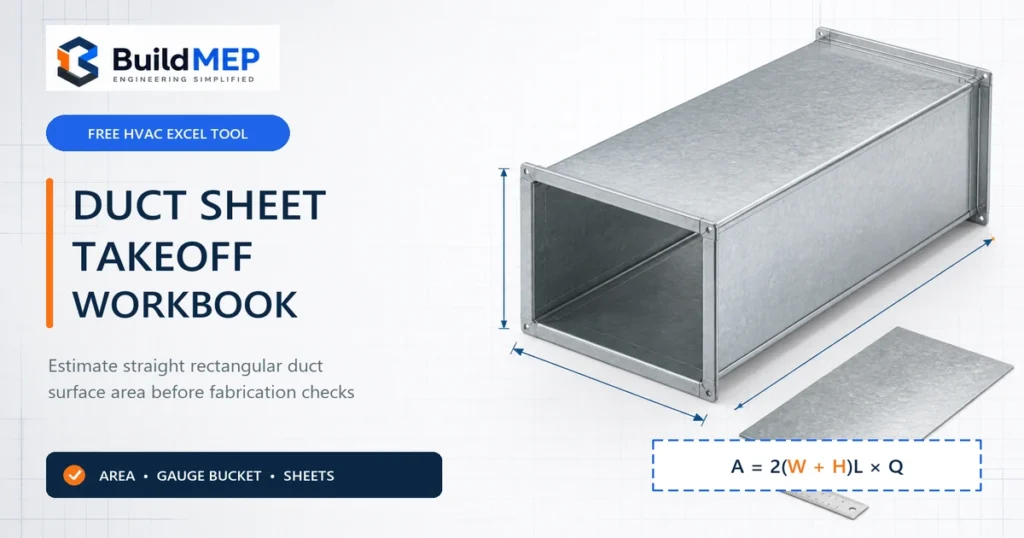
- HVAC unit converter and duct sheet calculator — supporting tasks. Unit conversion and sheet-material takeoff do not calculate the building cooling load. Use them alongside the appropriate load or energy model.
A practical check before choosing software
Example: a 30 m² room with 10 W/m² of lighting has 300 W of electrical lighting input. This checks one input only: it does not establish the room’s peak cooling load. Envelope heat gain, sun through glazing, people, outdoor air, humidity and schedules can change both the magnitude and timing of the load. A unit converter cannot supply those missing inputs.
For a retrofit FCU check, record the room geometry, glazing/shading, occupancy, ventilation and design conditions, then compare the calculated sensible and latent duties with the manufacturer’s capacity at the actual entering-air and water conditions. For an annual energy or compliance submission, establish the required method, weather file, schedules and reporting rules before choosing a modelling program. A preliminary kW estimate alone does not answer that task.
Alternatives section reviewed 15 October 2026 against Carrier’s official trial and Block Load pages. Confirm current licence terms with the supplier. This section is an editorial comparison, not a claim of independent software validation.
From the field: using HAP on a fit-out, not a new build
Most HAP tutorials assume a fresh design. My most useful HAP job was the opposite: a fit-out in a circular high-rise office tower whose outer wall is entirely glass.
The floor already had around 54 FCUs from a previous fit-out. The new tenant brought a completely different partition layout, and our job as the MEP fit-out contractor was to make the existing system work with it. The consultant’s calculations assumed a clean layout. They didn’t match what was physically on site, so we couldn’t just follow the drawings.
My approach was to keep as many FCUs as possible in their existing positions and relocate only the ones the new partitions forced us to move. Every relocation means new ductwork, drain connections, controls and ceiling work. I used HAP to check each new room against the units that would end up serving it. That turned HAP from a design tool into an optimisation tool: the question wasn’t “what should we install?” but “how few changes can we make and still cool every room properly?”
Two things mattered more than any software setting:
- Perimeter and core behave like different buildings. With a full glass facade, rooms along the glass carry far more load than rooms in the middle of the floor. If you average the floor as one zone, perimeter offices end up warm and core rooms overcooled. Model them as separate zones.
- Old equipment doesn’t deliver its nameplate capacity. These FCUs had years of service behind them, so I added a 10% margin on the cooling load for our own safety as the contractor. That margin is why the final arrangement needed 4 new FCUs on top of the existing ones.
The lesson for junior engineers: on fit-out and retrofit work, consultant drawings are a starting point, not the answer. The job is closer to custom work. You check the site, understand the existing equipment, and use tools like HAP to prove your arrangement works before anything gets moved.
Applying that field example: the 10% margin records one project’s decision, not a general allowance for ageing FCUs. For another retrofit, check coil condition, airflow, entering-air and water conditions, and available sensible and total duty. A load margin does not measure lost equipment capacity.
Official sources checked for this update
- Carrier software downloads — current version, licensed access and testing-report links.
- HAP v6.4 release sheet, April 2026 — prerequisites, licence-key reuse and coexistence with v6.3.
- HAP v6.2 New Features Guide, April 2024 — features and conversion guidance.
- Carrier HAP training — licensee video access and course information.
Access, support and installation notes reviewed 18 October 2026. BuildMEP does not host the HAP installer. This source review does not constitute an independent runtime test of HAP.
FAQ
Can I get a permanent free HAP 6.2?
No. Only the 60-day trial is free. Any permanent installation requires a purchased or renewed licence from Carrier.
Is HAP 6.2 still supported?
Carrier’s downloads page lists v6.4, and its release sheet is dated April 2026. That does not establish an end-of-support date for v6.2. Ask Carrier Software Systems to confirm support and installer availability for your licensed build.
Does HAP 6.2 support LEED and 90.1 workflows?
Yes. It added Appendix G performance rating analysis with automatic baseline rotations and a LEED v4.0 Summary Report.
Will my 6.1 projects open in 6.2?
Yes, with automatic conversion, but the conversion is one-way, and calculation results may differ because of the engine change. Save converted projects under a new name.
What are the minimum specs?
Carrier’s April 2026 v6.4 release sheet lists Windows 11 64-bit, 1 GB disk space and at least 8 GB RAM. Check the requirements for the actual version you will install; these v6.4 requirements do not verify v6.2 compatibility.
Where do I find training?
Carrier University offers HAP v6 courses, free to current eDesign licence holders and available to others at course rates. Carrier also publishes HAP training videos covering installation, preferences and the building wizards.




2 Comments
need to hap software
Hi Abdullah, HAP is not available as a free full version. You can use the official trial version for now or consider one of the free alternatives mentioned in the article. You can also try BuildMEP’s web-based load calculators. I hope this helps.